
Explore styles
Find your graffiti direction
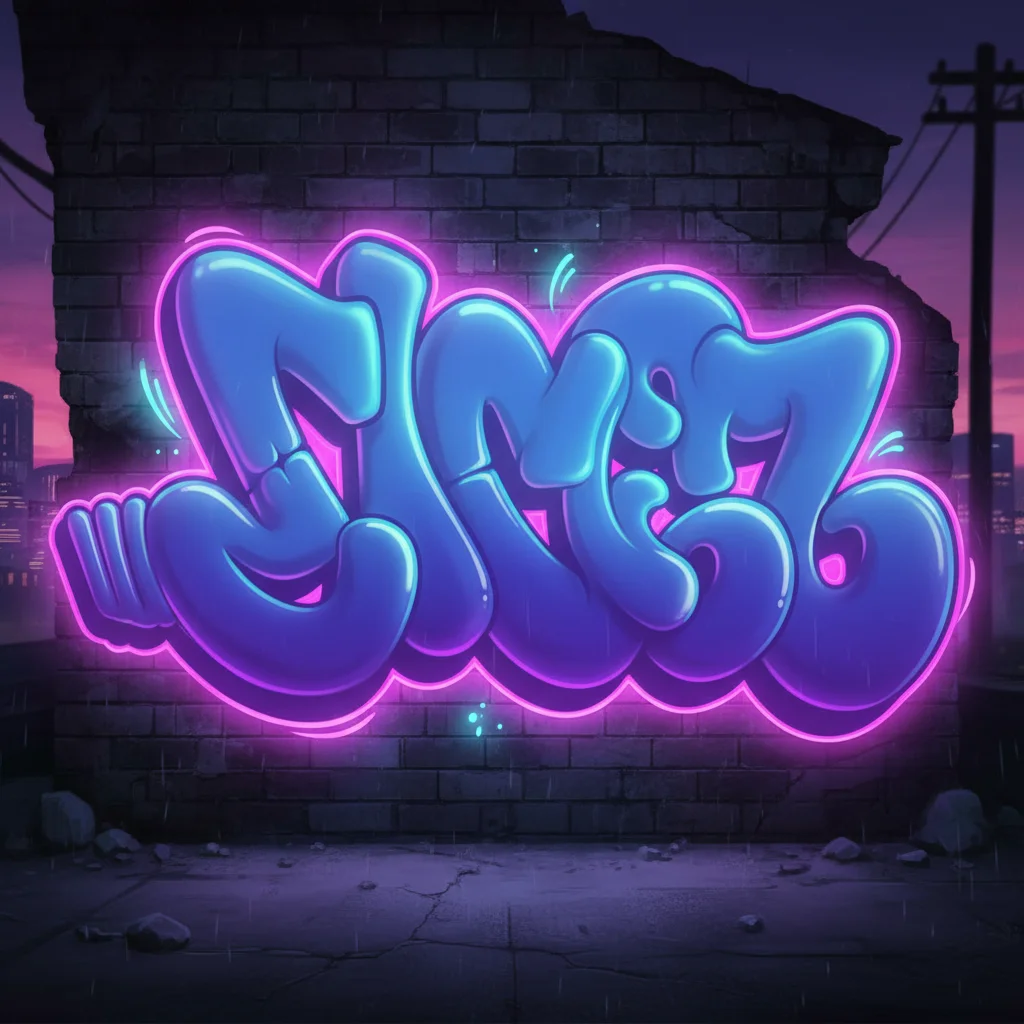
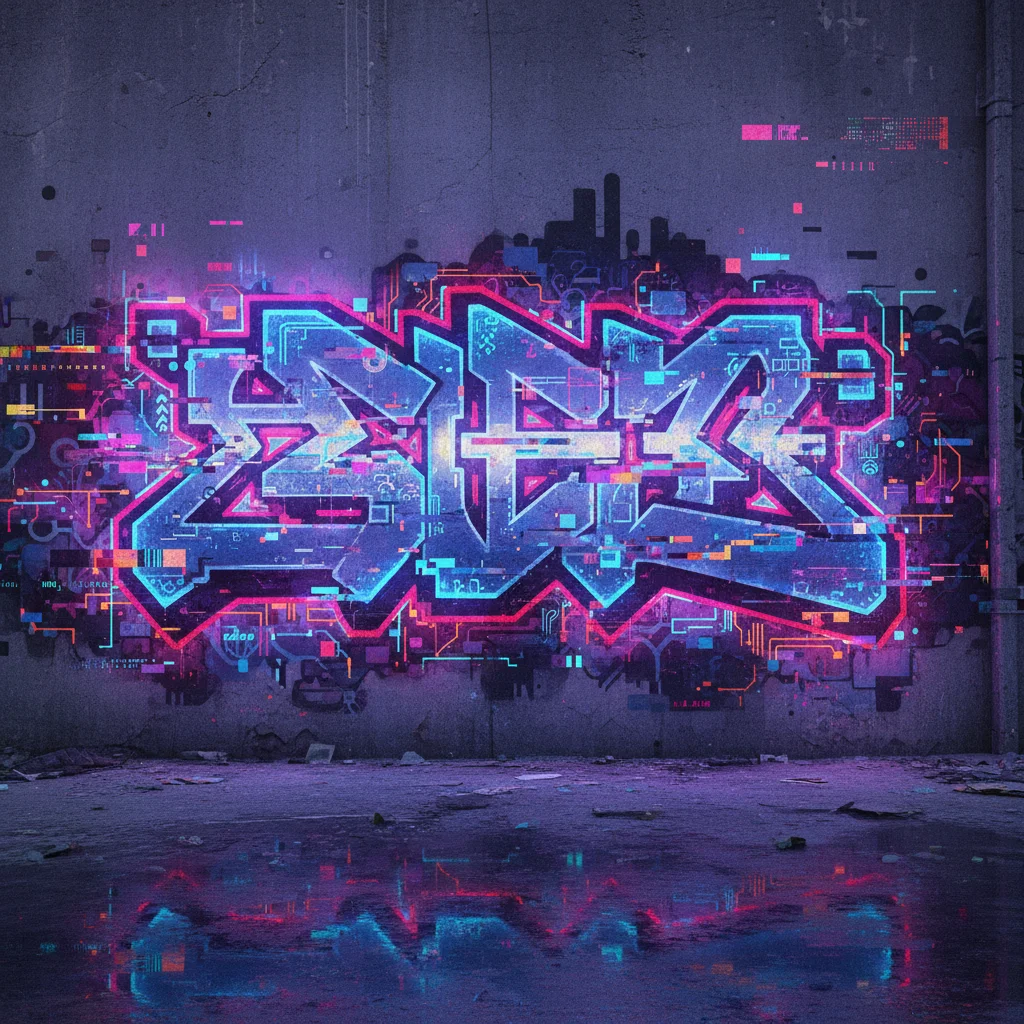
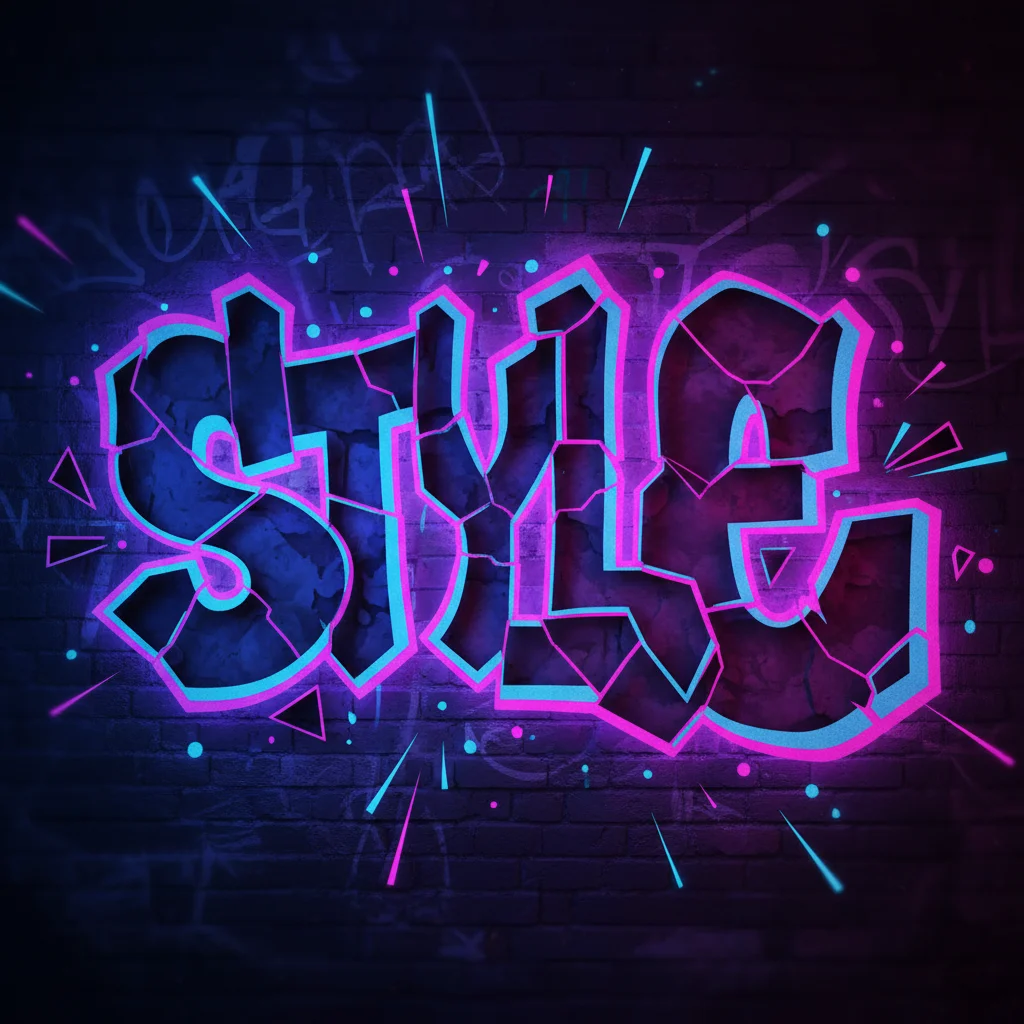
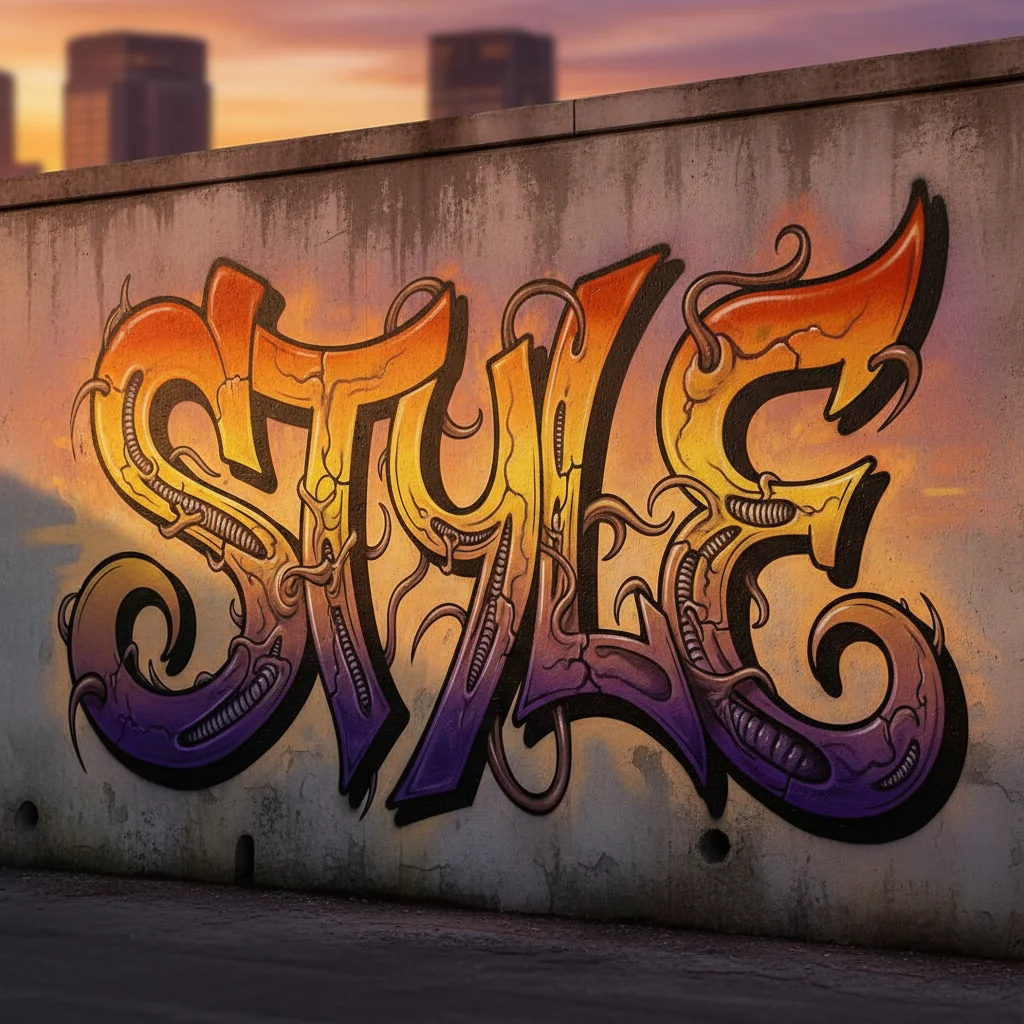
Explore 14 graffiti styles, then create your own with the generator below. Results may vary by model and prompt.
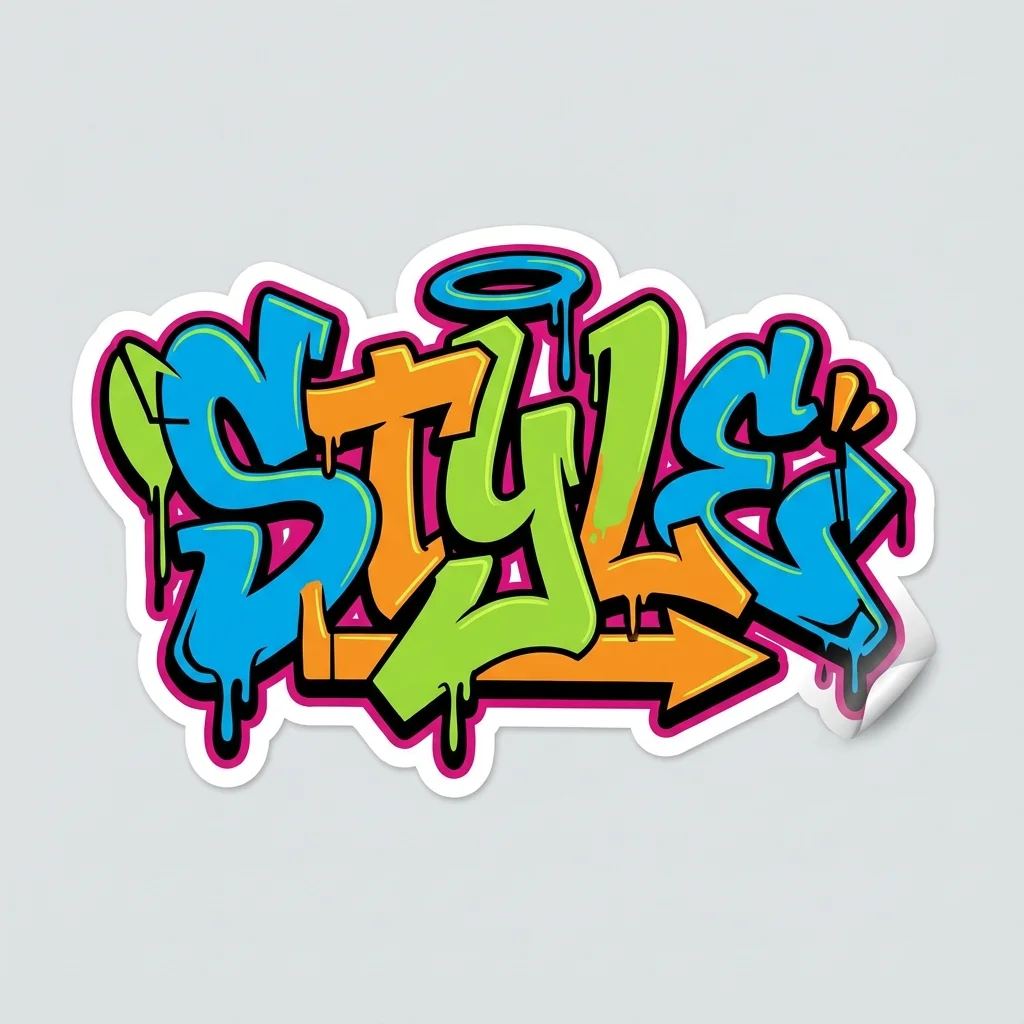
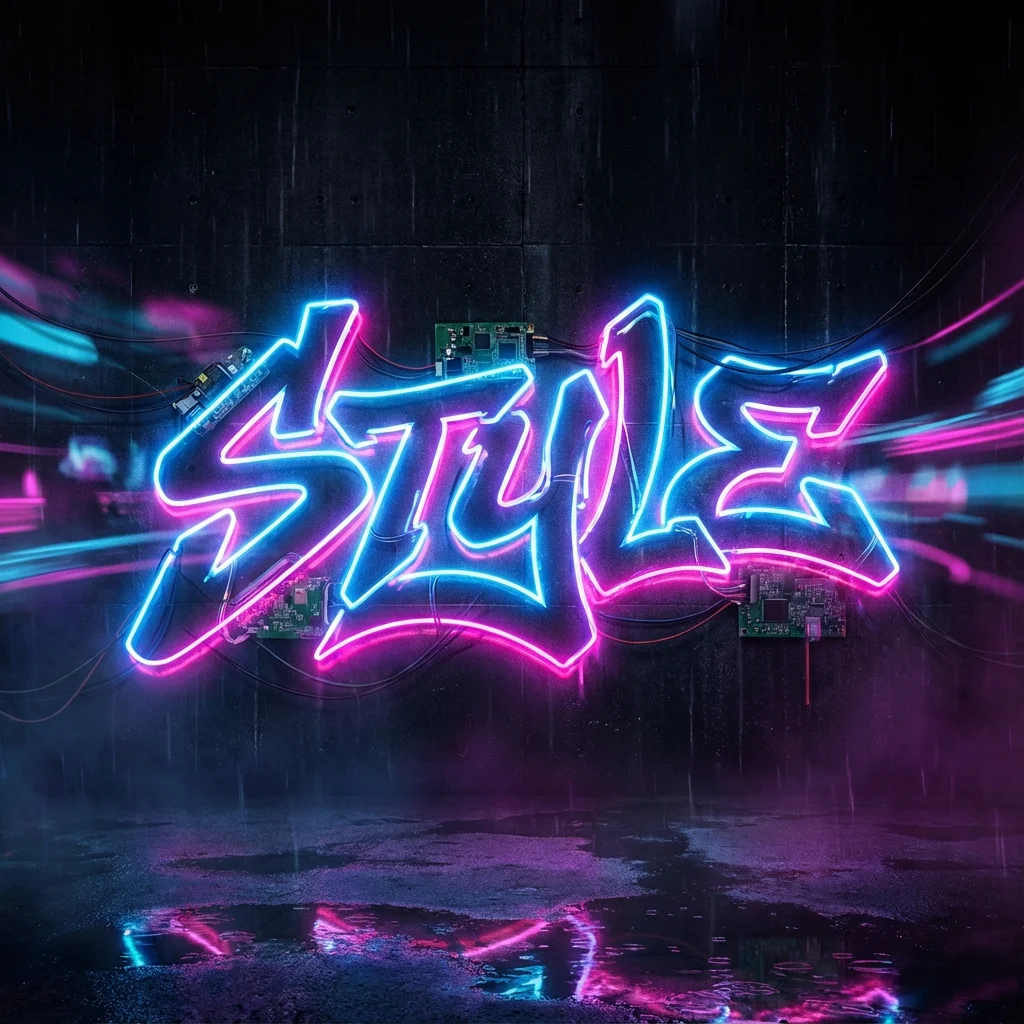
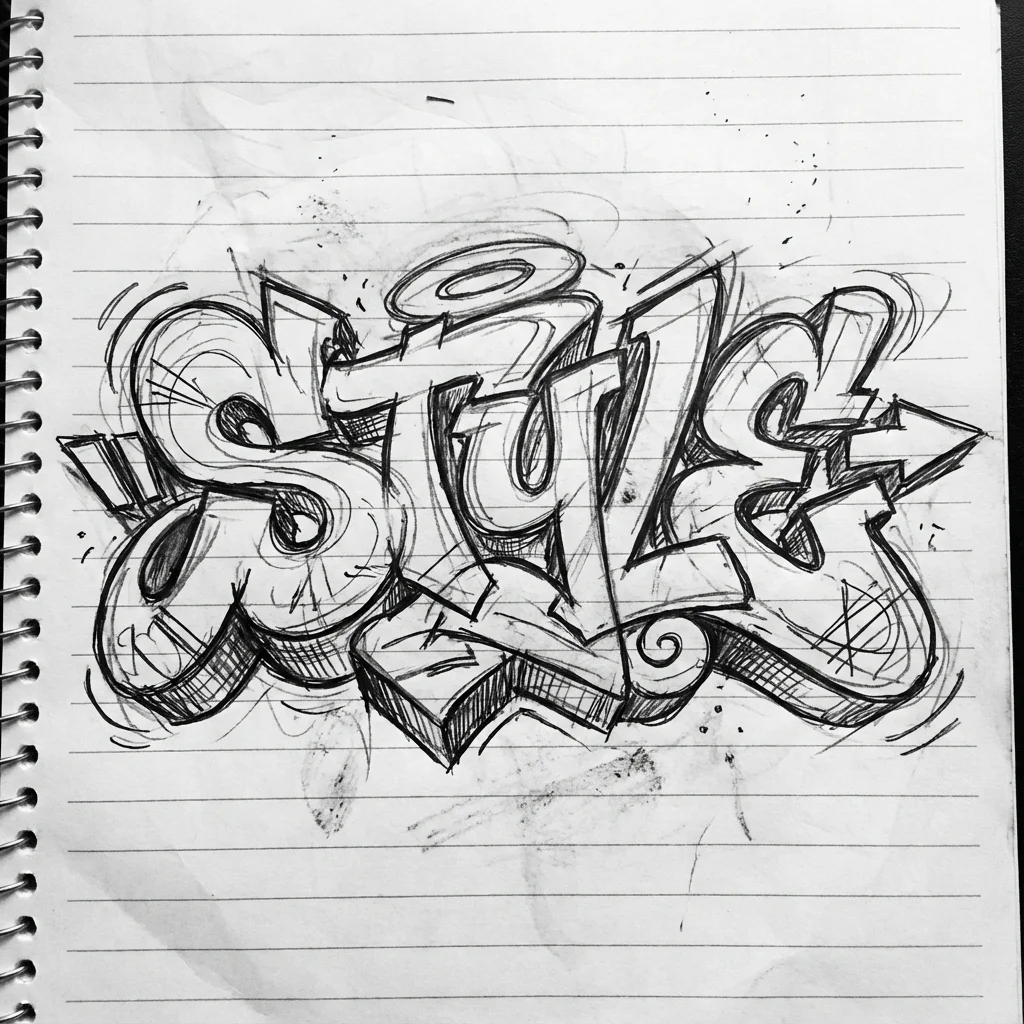
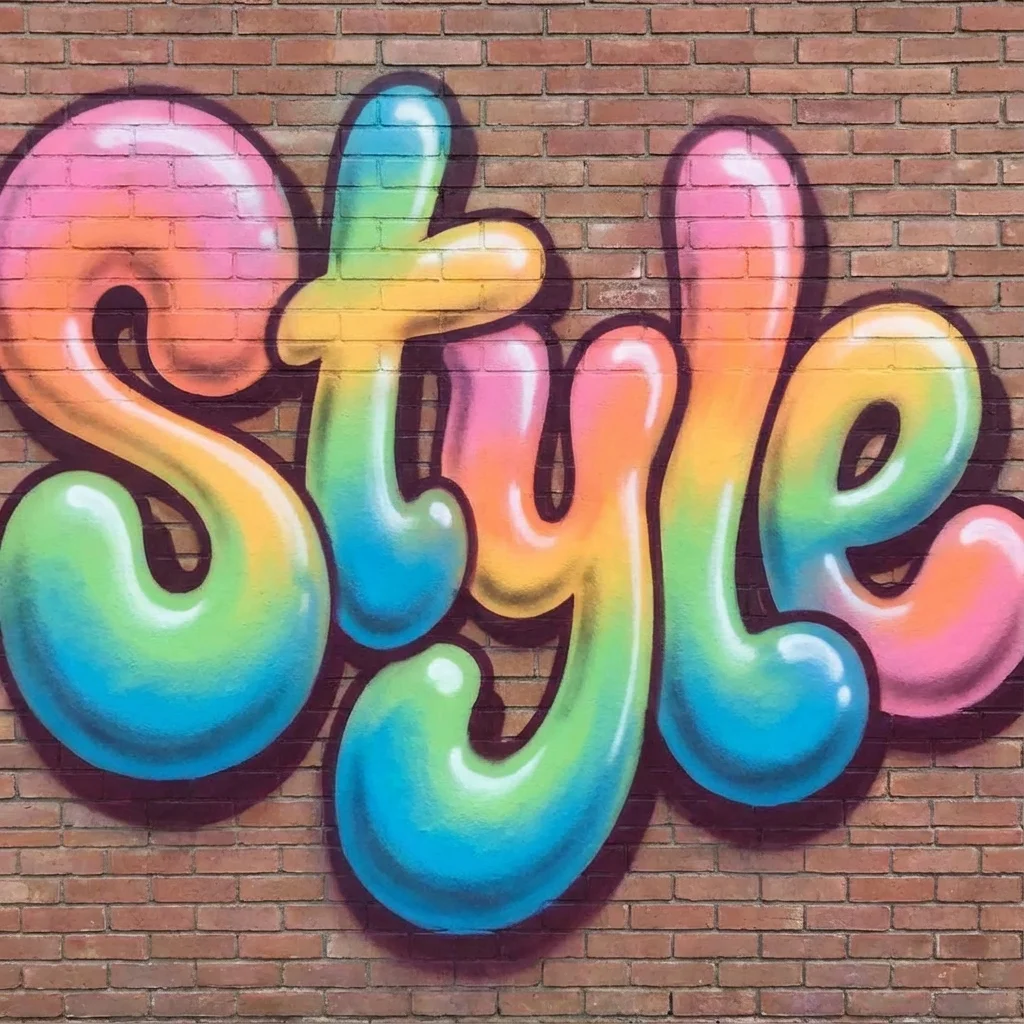
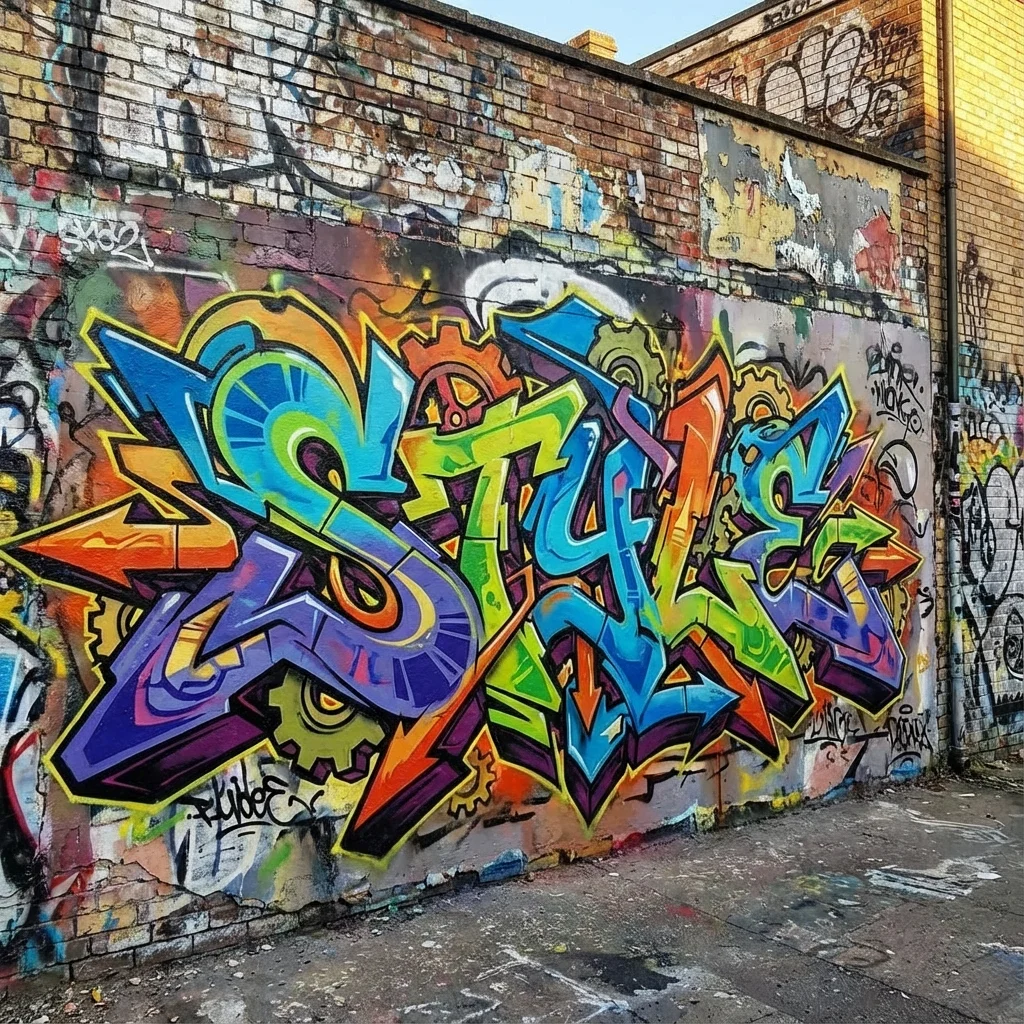
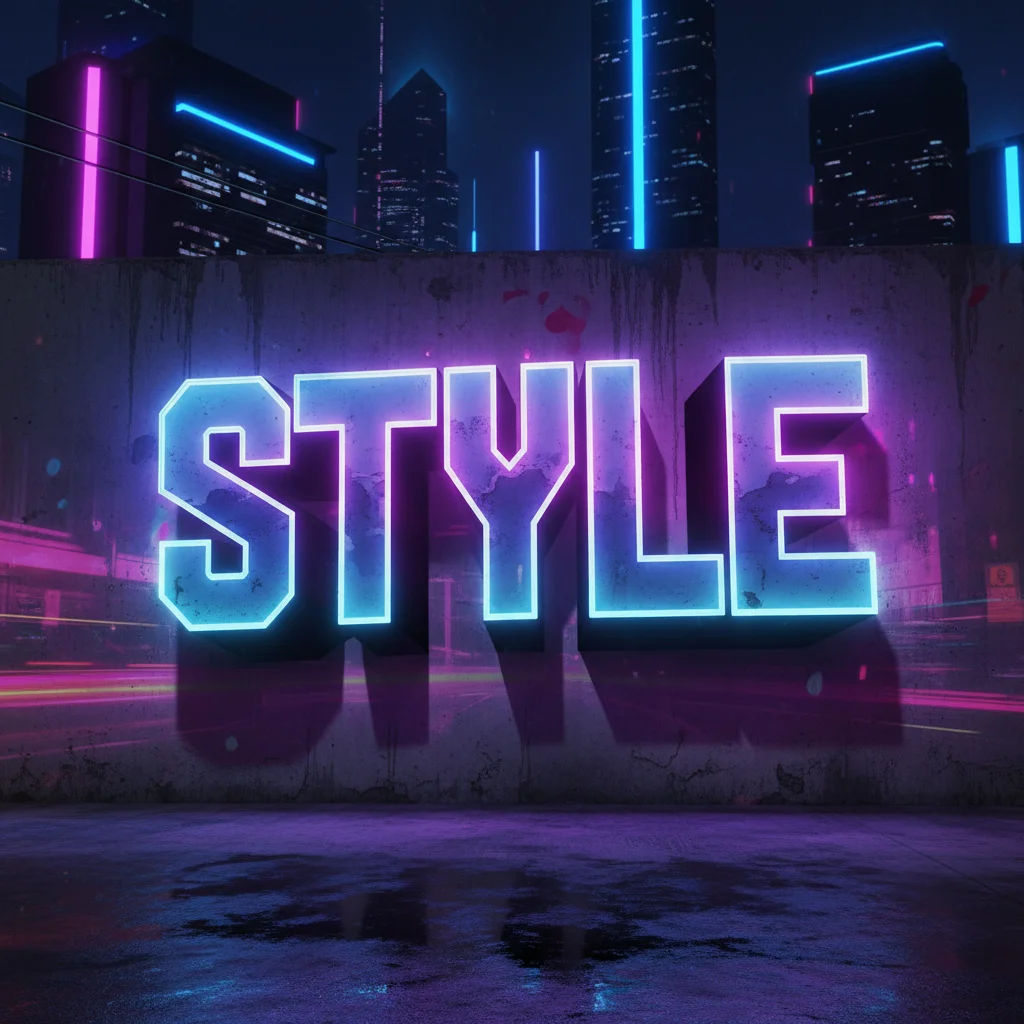
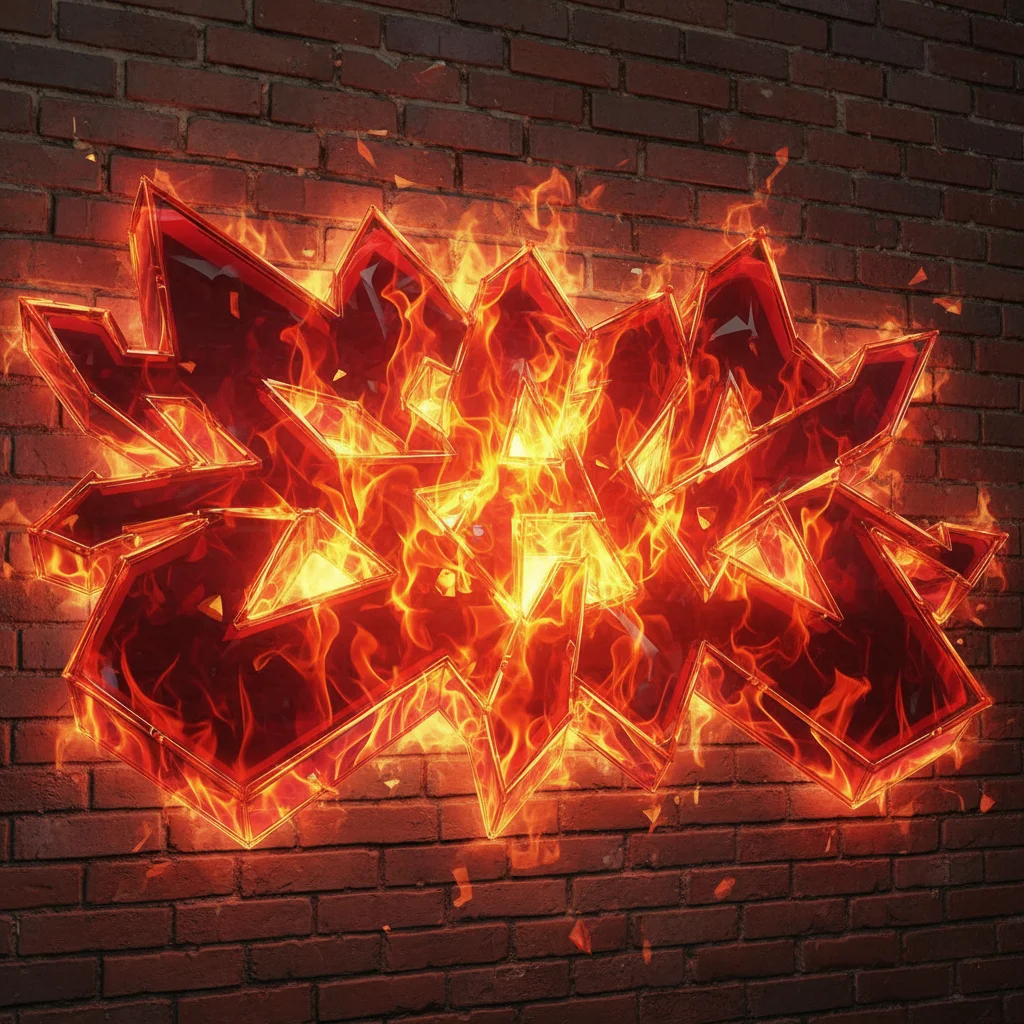
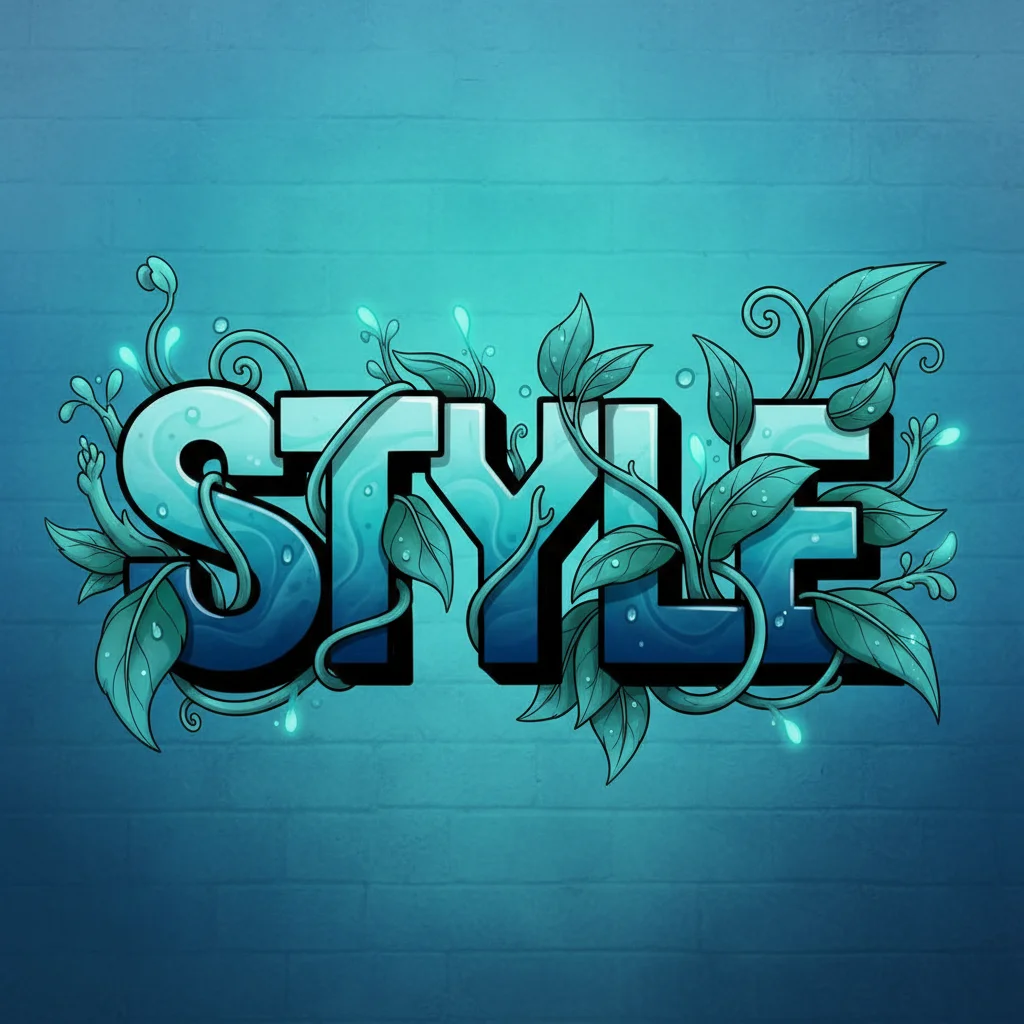
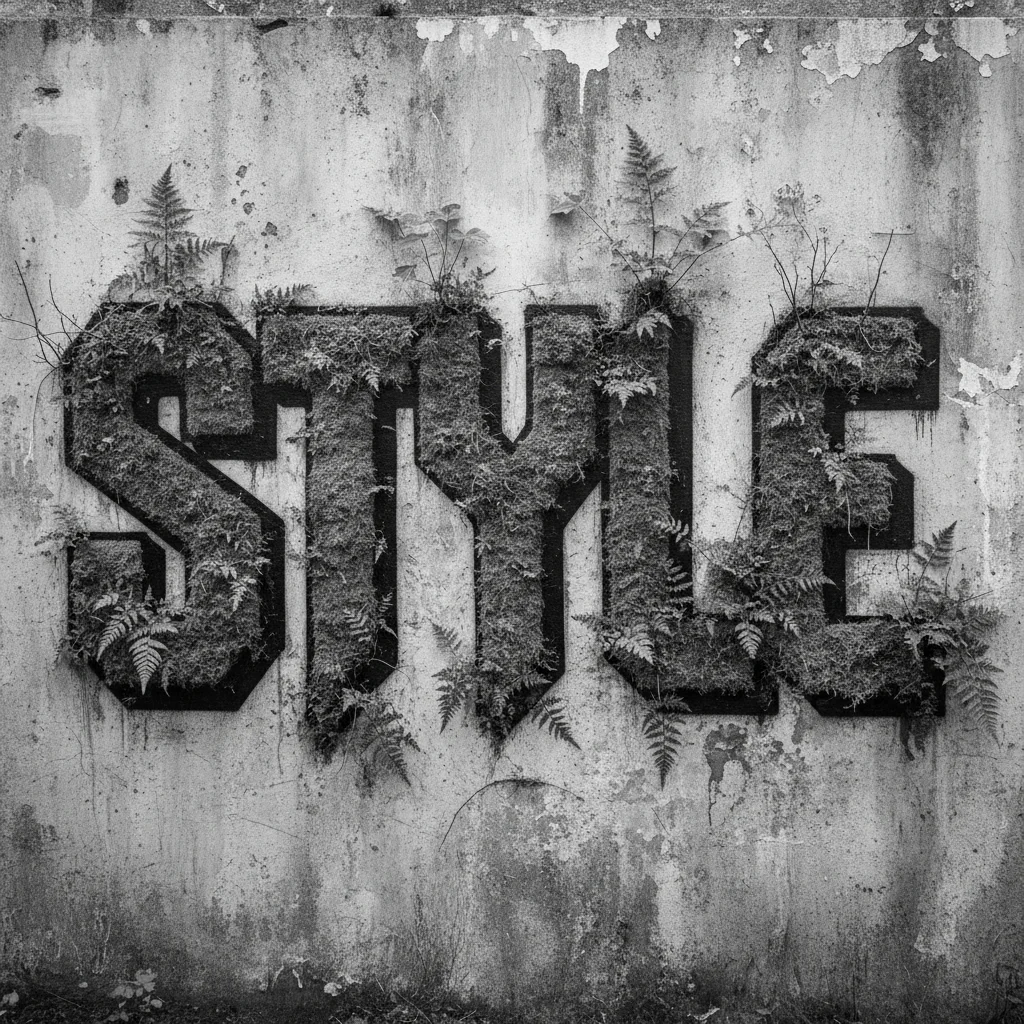
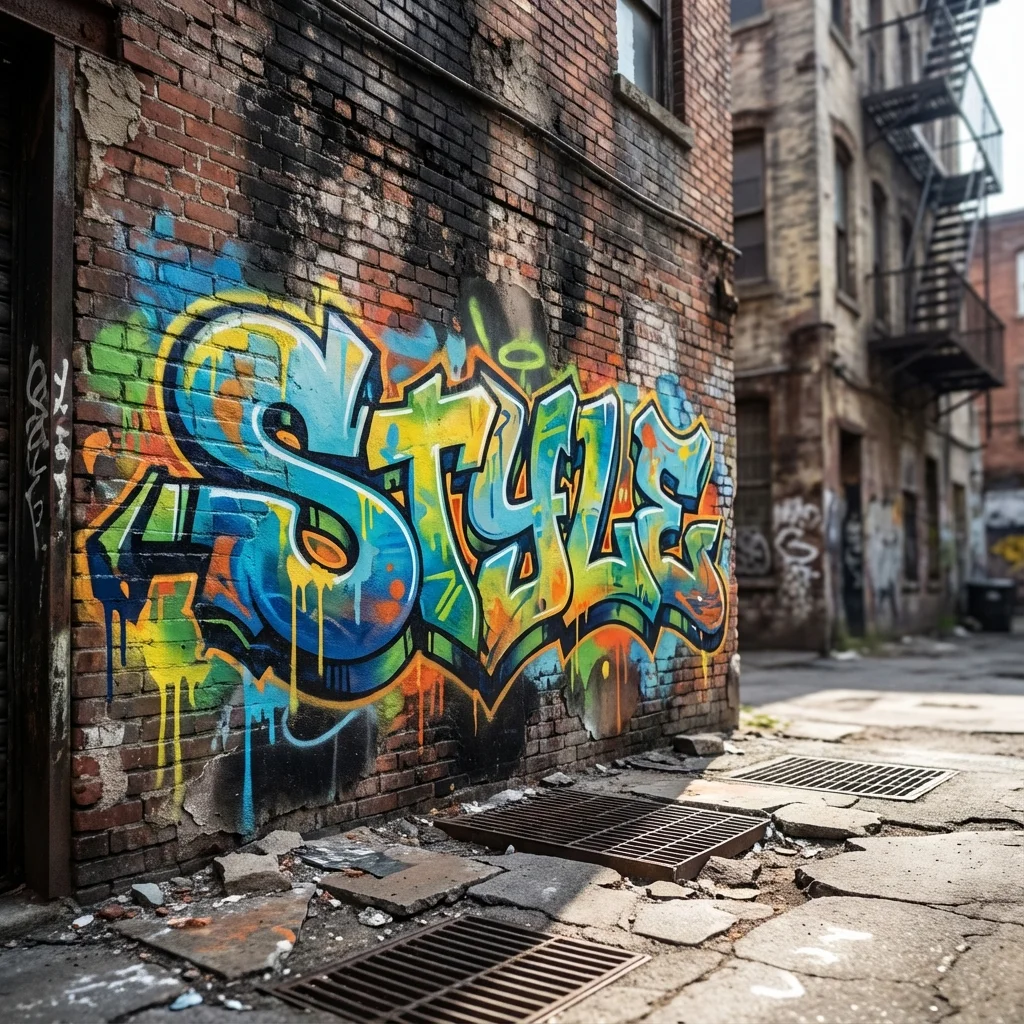
Street Realism
Your AI Graffiti Studio
AI Graffiti Generator
Describe a word or idea, choose a graffiti style, and create your own street-art concept. AI-generated lettering may need manual correction.
0/200
Try an example
Advanced settingsFine-tune color, detail, aspect ratio, and Standard or 4K resolution.
Costs 4 credit
You have 0 credits · Nano Banana 2.1 · Standard
Need lettering you can edit precisely? Try the Font Generator
How to Create Your Graffiti Art
01
Describe Your Idea
Enter a short word or subject. Try an example to get started, then make the prompt your own.
02
Choose Your Look
Pick a graffiti style and adjust color, aspect ratio, model, or resolution.
03
Generate & Download
Review the model's displayed credit cost, generate, check spelling and composition, then download a result you want to refine.
Frequently Asked Questions
The answers below describe the current controls and important limitations.
Which generator should I use?
Use the font generator when readable text and direct color or effect controls matter most. Use the AI generator for a broader scene or illustrative concept, while expecting that generated lettering may need correction.
What is Nano Banana 2.1 and how much does it cost?
Nano Banana 2.1 is the default AI image model in Graffiti Generators. It costs 4 credits at Standard and 8 at 4K. GPT Image 2.5 remains available at 12 credits for Standard or 16 for 4K. Nano Banana 2.1 square outputs are 1024×1024 and 4096×4096; other aspect ratios have their own dimensions. These AI image credits are separate from the browser font editor's local editing and font-download rights.
Can I use the generated graffiti commercially?
Permitted use depends on applicable law, the selected model provider's terms, and third-party rights such as trademarks, copyrighted characters, fonts, and reference images. Review those conditions for your project.
How does the prompt library work?
The prompt builder combines your subject with the currently available style, color, detail, background, and aspect-ratio controls. You can copy the resulting prompt and adapt it.
Are my generated images saved automatically?
Yes! Every graffiti you generate is automatically saved to your personal gallery. You can access, download, or delete them anytime from your account.
What graffiti styles can I create?
You can create various graffiti styles including wildstyle, bubble letters, graffiti tags, stencils, throw-ups, 3D letters, and more. Use it as a graffiti font generator to explore different urban typography.
How long does it take to generate graffiti?
Generation time varies with the selected model, provider availability, and queue conditions. If a request times out, keep your prompt and try again later or choose another available model.